
7 Signs You've Outgrown QuickBooks for Inventory Management
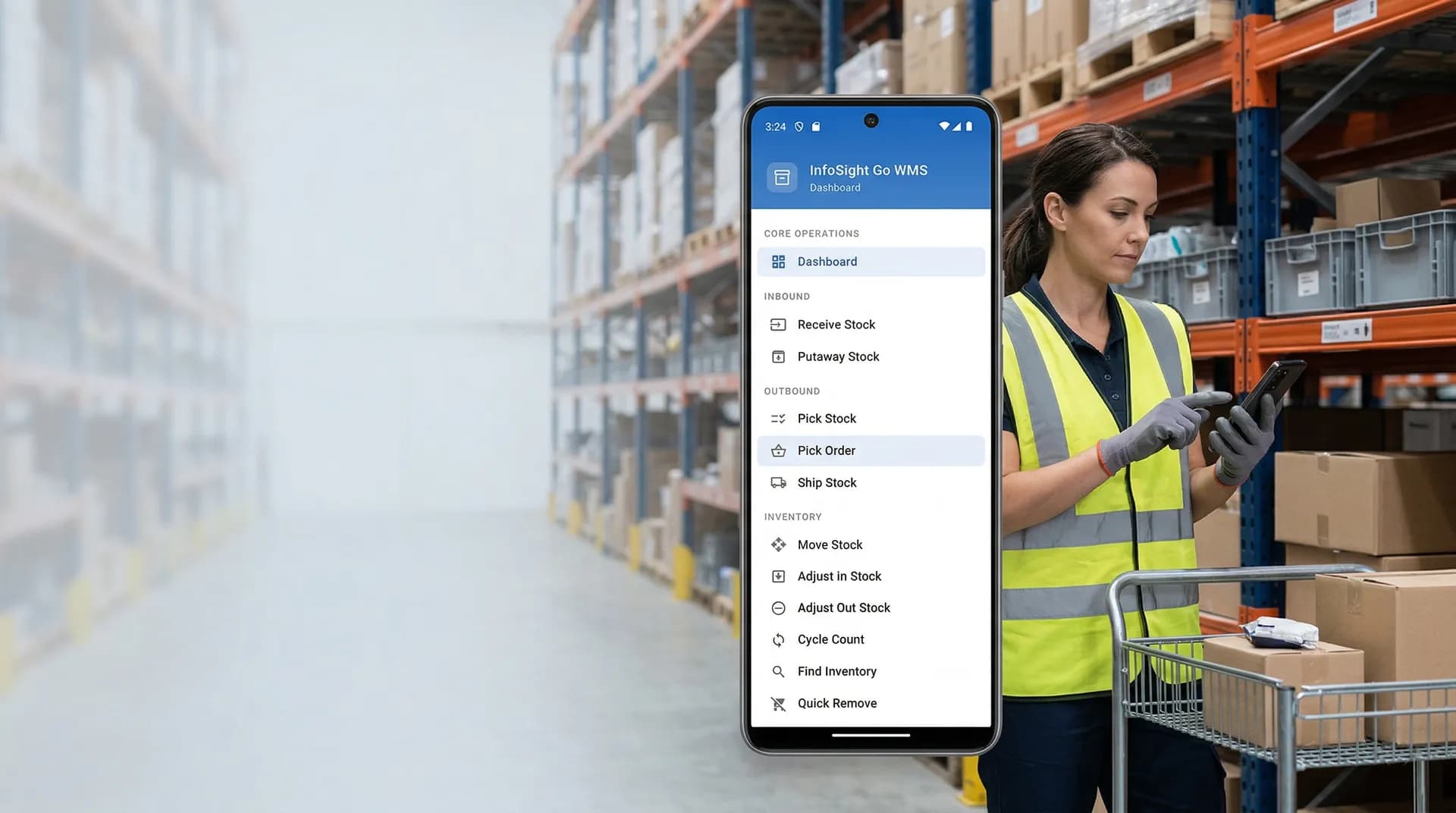
QuickBooks works well for many growing businesses, but inventory complexity tends to show up before leadership is ready to replace the entire system. That is usually where operations teams get stuck. Accounting stays in QuickBooks, but the warehouse starts depending on spreadsheets, manual workarounds, and disconnected tools to keep orders moving.
If that sounds familiar, the real issue may not be that QuickBooks has failed. The issue may be that you need stronger inventory management for QuickBooks without taking on the cost and risk of a full ERP migration.
Here are seven practical signs that your business has outgrown QuickBooks for inventory management.
1. Your team is relying on spreadsheets to know what is really in stock
When the warehouse team trusts a spreadsheet more than the system of record, inventory control is already under pressure. Teams start tracking bin locations, reorder points, transfer activity, and special inventory notes outside QuickBooks because they cannot get the operational detail they need in one place.
That usually leads to:
- duplicate data entry
- version-control problems
- slower decision-making
- more frequent inventory errors
If operations depend on shadow systems, it is a strong sign that you need a more complete inventory workflow layered on top of QuickBooks.
2. Bin locations are hard to track consistently
Once you move beyond a very simple warehouse, "we have 20 units on hand" is not enough. Your team needs to know exactly where those units are, how fast they move, and whether they are available to pick right now.
If staff are walking the floor to confirm stock, texting each other about bin locations, or maintaining side lists to track item placement, you have likely outgrown basic inventory handling.
A stronger system should support:
- real-time bin visibility
- location-specific stock lookup
- controlled stock moves
- faster put-away and picking
That becomes even more important if you are dealing with multi-location inventory control.
3. You are getting more backorders and fulfillment mistakes
When inventory accuracy drops, customer service feels it fast. Orders get promised based on old numbers. Items appear available but cannot be found. Partial shipments and backorders become more common. Internal blame starts moving between sales, accounting, and warehouse staff.
In most cases, the root problem is not just "inventory is off." The problem is that the business lacks operational controls for receiving, picking, transferring, and adjusting stock in a disciplined way.
That is exactly where warehouse-aware inventory workflows add value.
4. Reordering is reactive instead of planned
If buyers are placing orders because someone "thinks stock is low," the company is already operating with limited visibility. Growing businesses need better signals than gut feel alone.
You may need stronger tools if your team struggles to:
- set reorder points
- manage safety stock
- identify slow-moving inventory
- spot shortages before they affect orders
This is where better demand planning and structured inventory visibility help turn purchasing from reactive to repeatable.
5. Your warehouse workflow is disconnected from your accounting workflow
QuickBooks is often still the right accounting system, but accounting and operations are not the same thing. As warehouse complexity increases, businesses need more detailed execution tools without forcing accounting staff to change systems.
That is why many teams extend QuickBooks rather than replacing it. They keep their financial workflows in place while adding operational layers for inventory, orders, warehouse activity, and reporting.
If you are also starting to struggle with fulfillment speed and picking accuracy, it is worth looking at warehouse automation for QuickBooks as part of the same operational upgrade.
6. Reporting is too limited for operational decisions
At some point, "inventory valuation" is not enough. Operations leaders need answers to practical questions such as:
- Which bins are causing picking delays?
- Which items are aging?
- Which locations are short on stock?
- Where are the recurring variances?
- What should be reordered this week?
If those answers require multiple exports and manual cleanup, the business is spending too much time reporting on problems instead of fixing them.
7. Growth is making the process more fragile, not more efficient
One of the clearest warning signs is when growth creates more chaos instead of more leverage. More SKUs, more orders, more users, and more locations should not force the business into constant firefighting.
If adding volume means:
- more manual corrections
- more order delays
- more inventory discrepancies
- more dependence on a few experienced employees
then the current workflow has stopped scaling.
What to do next
Outgrowing QuickBooks for inventory management does not automatically mean you need to rip out QuickBooks. In many cases, the better path is to keep the accounting foundation and extend it with stronger inventory, warehouse, and order workflows.
That is the role of InfoSight. It gives teams a way to manage inventory with more precision while staying connected to the QuickBooks environment they already know.
If your business is hitting several of the signs above, the next step is simple: look at what a dedicated inventory management for QuickBooks workflow should actually cover, compare that with your current gaps, and then decide whether you need on-premise or cloud deployment.
You can also review the difference between InfoSight on-premise ERP and InfoSight Go cloud ERP, or go straight to a demo request if you want to see how the workflow would look in practice.