
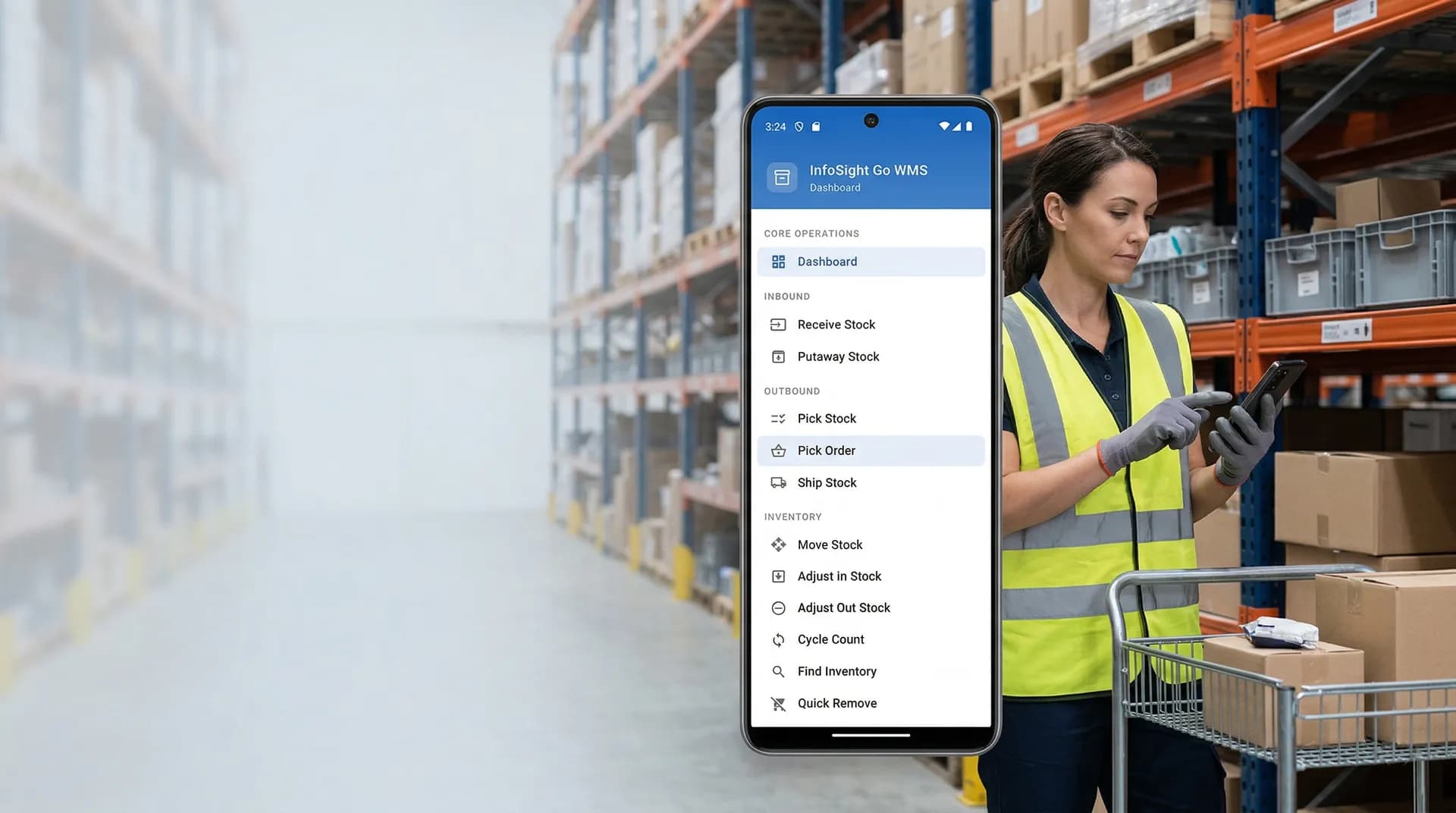
Complete Inventory Control for QuickBooks
Real-time visibility, lot tracking, and demand forecasting. Everything you need to manage inventory at scale while keeping QuickBooks as your system of record.
Inventory Management Features
Everything you need to track, manage, and optimize your inventory operations.
Real-Time Stock Visibility
See accurate inventory levels across all locations and bins with the WMS inventory explorer, instantly synced with QuickBooks.
Lot & Serial Tracking
Full traceability with lot numbers, serial numbers, and status tracking across all warehouse operations.
Reorder Points & Need Lists
Set min/max levels and safety stock. Generate need lists based on demand forecasts to inform purchasing decisions.
Inventory Aging & Costing
Aging reports to track inventory health and average cost tracking for financial accuracy across all items.
Advanced Reporting
Comprehensive reports on inventory value, turnover, aging, movement patterns, and Book vs WMS variance.
Demand Forecasting
4-week and 12-week demand forecasts with trend analysis, confidence metrics, and automatic need list generation.
Complete Inventory Capabilities
InfoSight provides enterprise-grade inventory management that grows with your business.
How It Works
InfoSight integrates directly with QuickBooks to provide real-time inventory management.
Connect QuickBooks
InfoSight connects to QuickBooks Desktop; InfoSight Go supports both Desktop and Online.
Manage Operations
Track receipts, movements, adjustments, and orders with barcode scanning support.
Automatic Sync
All transactions flow back to QuickBooks automatically, keeping your books accurate.
Know What's on the Shelf Right Now
Tell us your SKU count and how far counts drift between cycles. We'll show you how InfoSight keeps the number honest.